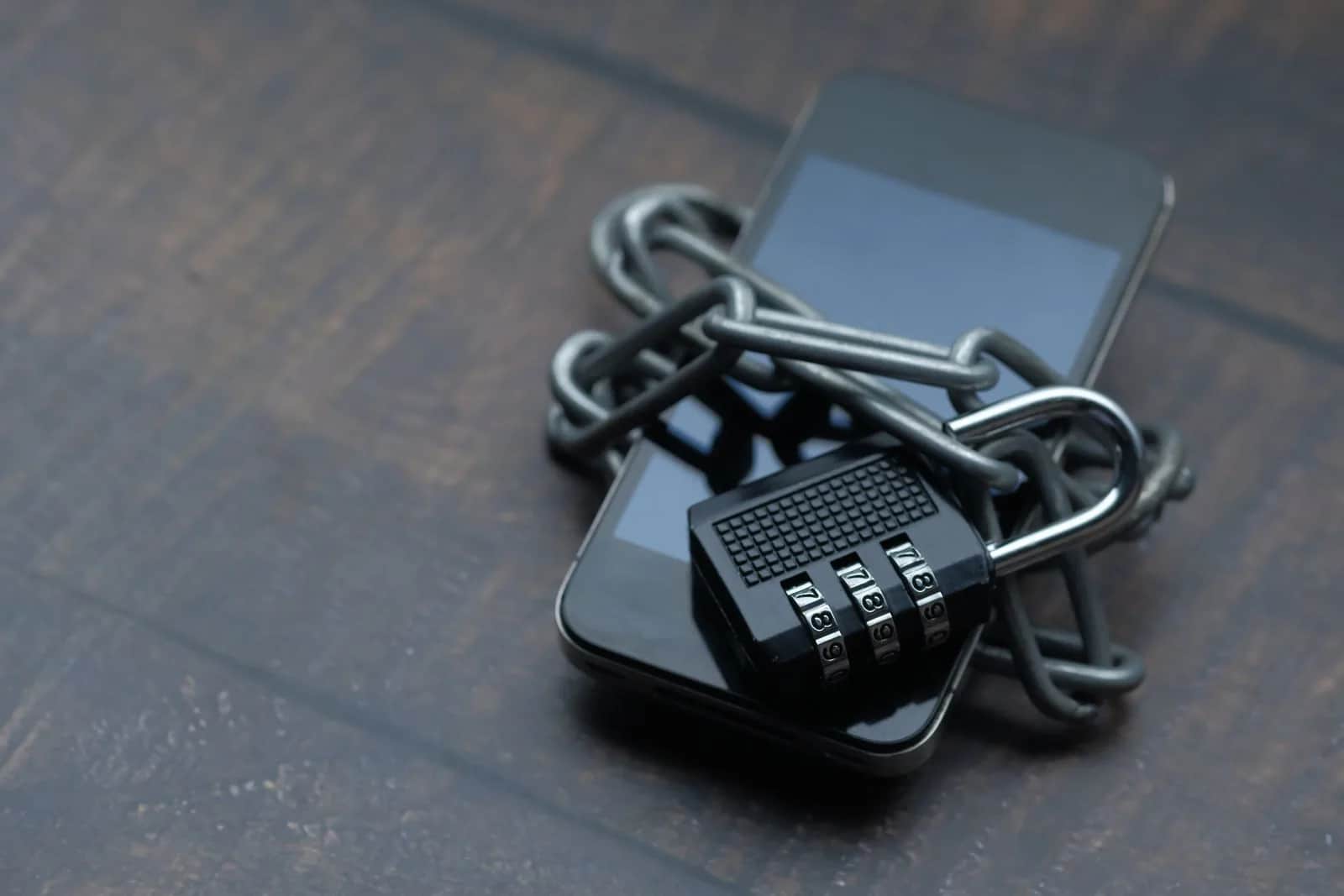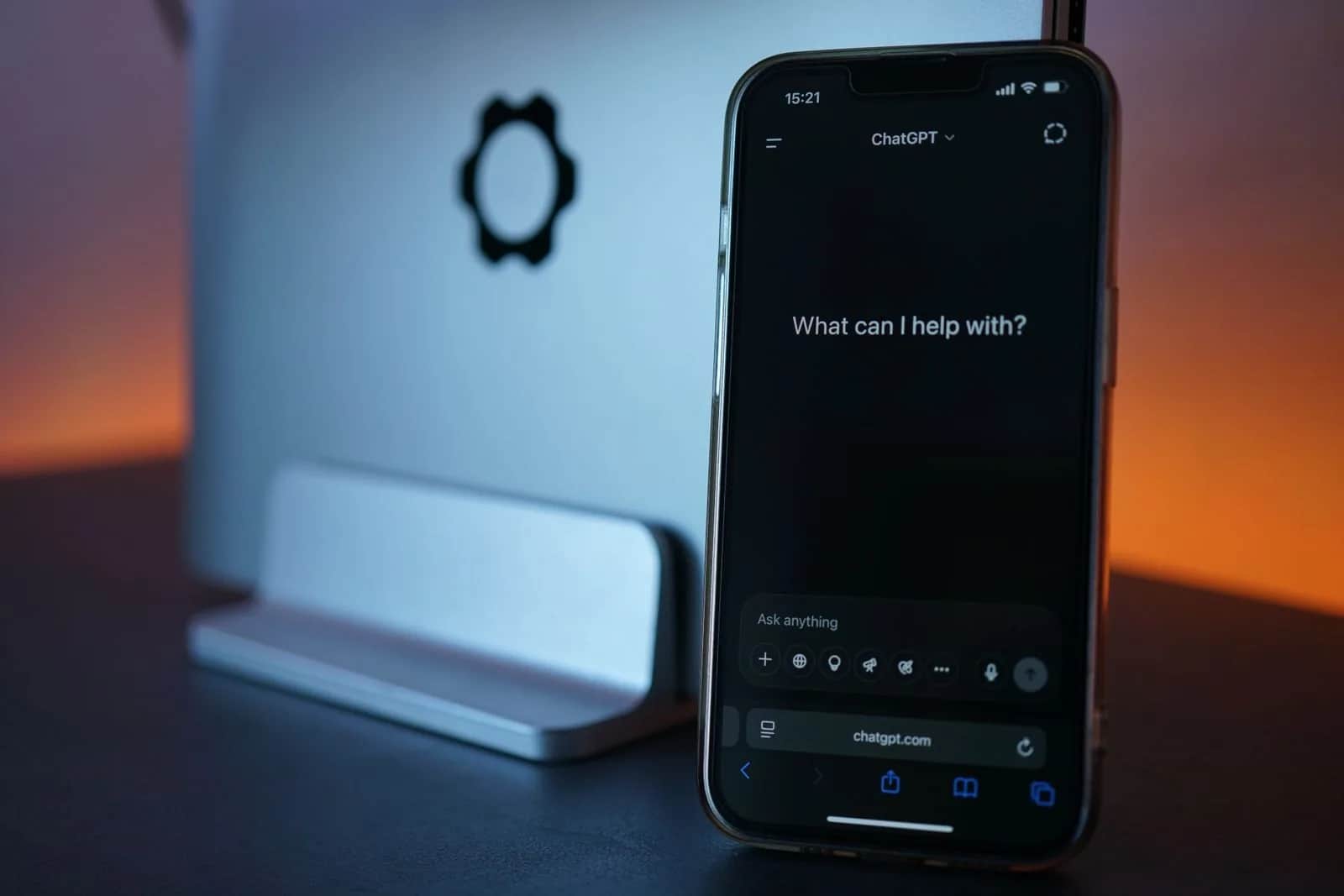
On October 20, 2026, OpenAI began rolling out locked chats in ChatGPT: a user can hide any conversation from history and search, and it opens only with a 4-digit PIN or Face ID or Touch ID. The feature is available on 7 plans, including Business and Enterprise, and a workspace admin can't turn it off, open locked chats or reset an employee's PIN. If an employee forgets the PIN and resets it, all of their locked chats and files are deleted for good, and OpenAI Support can't recover them. So a business owner needs one written rule: work content is never locked without a copy the team knows about, and an employee's chats are handed over before they leave.
What locked chats actually do
According to OpenAI's official help page, the feature moves a locked conversation out of regular history, pinned chats and search results into a dedicated area under Projects called Locked chats. You lock a chat from the three-dot menu next to it, then Lock chat. The first time, the user creates a 4-digit PIN that is tied to their whole OpenAI account, not to a single workspace.
- On mobile: access ends automatically after 1 minute away from the area or in the background, and on Android screenshots come out blank.
- On the web: access ends when the page is refreshed or the tab is closed, and every new tab asks for the PIN again.
- Files: files uploaded or created inside a locked chat are hidden from the file space and open only inside that chat.
OpenAI says the aim is to keep a conversation away from nearby eyes: when you share your screen in a meeting, or on a device more than one person uses.
What locking does not do
This is where the biggest misunderstanding lies. OpenAI's page states that locking only changes where a chat appears and how you open it. It does not:
- add end-to-end encryption or a separate encrypted vault;
- change how long OpenAI retains the chat;
- change the Improve the model for everyone setting, so if it is on for the account, the locked chat follows it;
- remove what ChatGPT remembered from the chat before it was locked;
- override workspace policies or legal and compliance obligations.
In other words, the lock is a curtain in front of the screen, not data protection. Anyone who can open the chat can copy its contents.
What your company admin can see
In Business, Enterprise and Edu workspaces, the official page sets out three facts an admin needs:
- The admin can't disable locked chats through a workspace setting or role-based permissions.
- The admin can't open an employee's locked chats, reset their PIN, or recover anything deleted by a reset.
- On Enterprise and Edu, locked chats stay in the message logs available through OpenAI's Compliance Platform. The page says nothing equivalent for Business, so don't assume you have a copy.
If your staff work from personal Free or Plus accounts, the company sees nothing at all, locked or not. We explained in our article on the ChatGPT share link flaw why it matters where work conversations live.
The PIN reset trap
Forgetting the PIN deletes nothing by itself, and the chats simply stay locked. But the only way back in is a reset, and a reset permanently deletes all locked chats, the memories stored only inside them, and the files protected by the old PIN. OpenAI says this can't be undone and its Support team can't recover the content. Picture an accountant who locked a chat holding three months of supplier quote analysis, then forgot the PIN over a holiday: the choice is to leave the work locked or wipe it.
Changing the PIN while you know the current one is safe and deletes nothing.
Chats that can't be locked
The page lists 10 types that can't be locked. The ones that matter most at work: temporary chats, archived chats, group chats, chats created from a shared link, chats branched from another conversation, and chats tied to scheduled tasks, meeting recordings or background tasks. A locked chat also can't be archived, pinned, moved or shared, and if you lock a chat from a project, it leaves the project and loses its instructions, files and memory.
6 steps for your company this week
- Bring work into a space the company owns: Business or Enterprise accounts instead of personal ones, so you at least know who uses what.
- Write the locking rule: locking is fine for personal or momentarily sensitive chats, but anything a colleague will need later, such as a quote analysis or a draft contract, is saved to a shared file before any chat is locked.
- Treat the PIN like a password: teach the team that a reset means permanent deletion, and that keeping the PIN in a password manager beats relying on memory.
- Check the training setting: locking doesn't stop a chat being used to train models. Anyone working from a personal account turns off Improve the model for everyone, and for a throwaway conversation uses a temporary chat.
- Add a line to your offboarding checklist: before their last day, the employee unlocks work chats or exports their content, because the admin won't be able to open them afterwards.
- Know what your plan gives you: on Enterprise, the Compliance Platform still sees locked chats; on Business, ask OpenAI in writing what you can retrieve.
The Origami view
The feature itself is good: sharing your screen in a client meeting and having a chat about team salaries show up in the sidebar happens every day. The problem is that many businesses treat ChatGPT as a work archive, and it isn't one. When we build internal AI tools for our clients, we keep work output inside the company's own system, with permissions the admin controls and a record that doesn't vanish because someone forgot a PIN. The chat tool stays a place to think, not a place to store what the company needs tomorrow.
If you want a review of how your team uses AI tools, or an internal assistant that keeps your data with you, get in touch or see our services.
Sources
- OpenAI Help Center — Using locked chats in ChatGPT: plans, PIN, what locking doesn't do, deletion on reset, admin rights and the Compliance Platform, chats that can't be locked.
- TechCrunch — ChatGPT now lets you lock your chats, October 20, 2026: rollout start date and the feature's stated purpose.
Frequently asked questions
Can our company's ChatGPT admin open an employee's locked chats?
No. According to OpenAI, a workspace admin can't open locked chats, reset an employee's PIN or disable the feature. On Enterprise and Edu, though, locked chats remain in the Compliance Platform logs.
What happens if an employee forgets their locked chats PIN?
Forgetting it deletes nothing, and the chats stay locked. But resetting the PIN permanently deletes all locked chats, their files and their memories, and OpenAI Support can't recover them.
Does locking a ChatGPT chat mean it is encrypted or kept out of training?
No. Locking adds no end-to-end encryption, doesn't change retention and doesn't change the Improve the model for everyone setting. To keep a chat out of training, turn that setting off or use a temporary chat.
Are locked chats available on ChatGPT Business?
Yes. They are available on Free, Go, Plus, Pro, Business, Enterprise and Edu, rolling out gradually since October 20, 2026, and not on ChatGPT for Healthcare.