In this article

In part two we settled the timing question: when you have genuinely outgrown spreadsheets, and when buying is an early decision. Now we open the system from the inside. The word ERP looks like one vague block, but it is really a set of modules that share a single database. In this part we walk the six core modules and place each one in the hands of a Saudi business owner: a restaurant owner, a retailer, a contractor, and a warehouse keeper.
The core modules and the single database
What separates an ERP from a pile of separate programs is not the number of its modules but that they all write to and read from one source. When you sell an item, three modules move in the same instant with no re-entry: stock is decremented, revenue is booked in accounting, and it appears in the report. These six modules are the backbone:
- Accounting: the ledger every financial movement flows into — invoices, expenses, collections, and VAT.
- Inventory: how many of each item you hold, where, at what value, and when to reorder.
- Purchasing: from purchase request to purchase order to goods receipt and invoice matching.
- Sales: from a quote or point of sale to the invoice, to collection and customer follow-up.
- Human resources: employee data, attendance, payroll, and end-of-service entitlements.
- Reporting: the layer that reads all of the above and turns it into a decision — profit, cash, branch or item performance.
A business does not need every module at once, but they all speak the same language when it does. Let us see how these modules take shape on the ground.
Accounting and inventory: the backbone
Two modules carry most of the system's weight, and are almost the reason to buy it.
Accounting is not an isolated ledger but a meeting point. In a retail store, every sale at the point of sale creates an e-invoice compliant with the Zakat, Tax and Customs Authority requirements, and books the revenue and tax automatically, so month-end close arrives almost ready instead of taking days of reconciliation. Journal entries, expenses, and financial reports are all built on the same movement the other modules created.
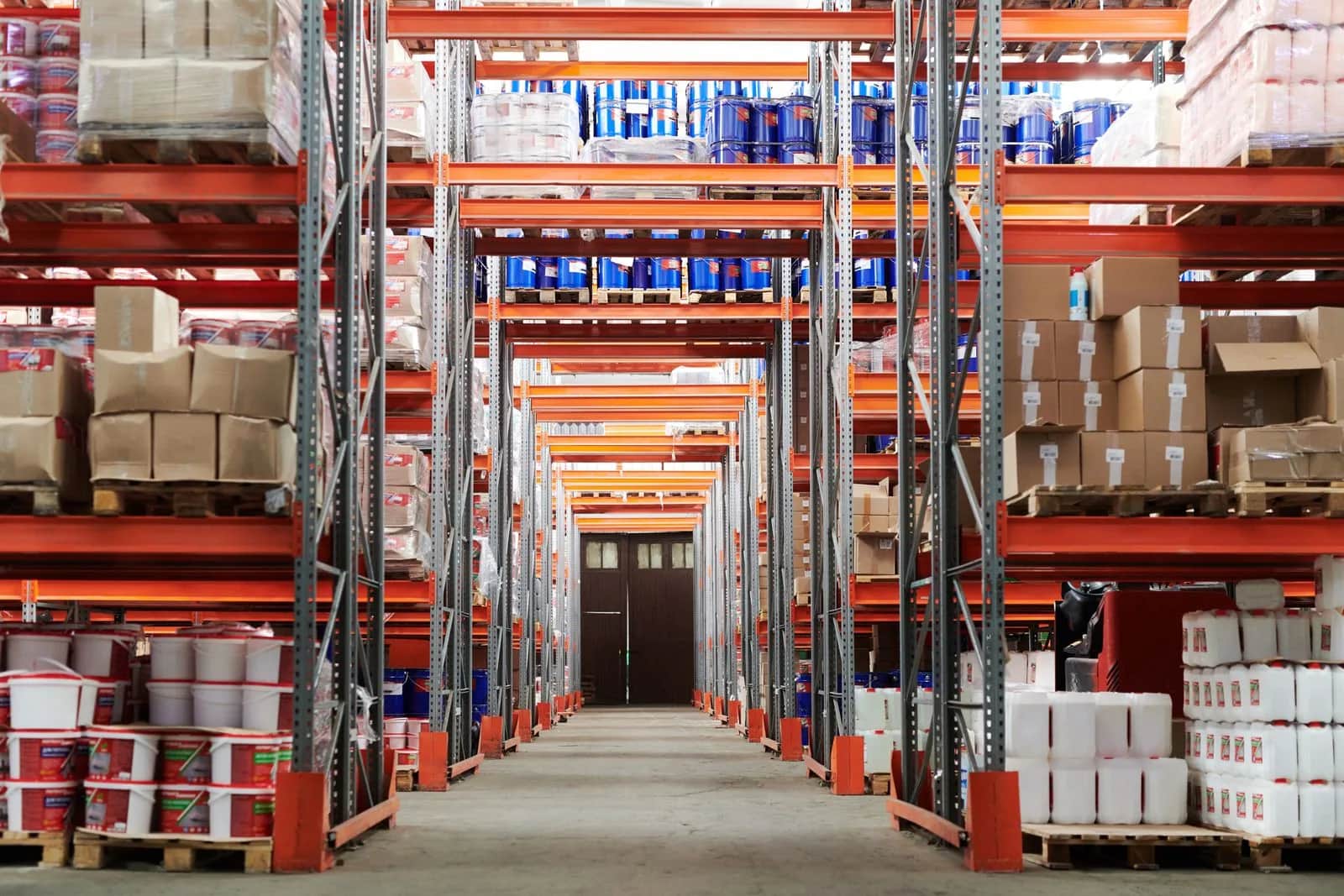
Inventory is where the gap between paper and shelf shows. In a warehouse, the module knows each item's balance in each location in real time, links it to a barcode, alerts you before an item runs out via a reorder point, and manages counts and transfers between locations. In multi-branch retail, this means knowing an item has run out in one branch and exists in another, so you move rather than buy. When accounting connects to inventory, every unit in the warehouse carries a precise financial value at any moment.
Purchasing and sales: the two ends of the flow
If inventory is the system's heart, purchasing and sales are the two doors it enters and leaves by.
Purchasing orders the spending journey: a purchase request an owner approves, then a purchase order to a supplier, then a receipt that matches the quantity, then matching the supplier invoice before payment. In a contracting firm, this module ties every purchase order to a specific project, so you know the cost of steel and cement for each site on its own, not one vague total at month-end.
Sales is the facing side. In a restaurant, the point of sale is the sales module: every order opens an invoice, decrements ingredients from inventory by recipe, books revenue in accounting, and surfaces the best-selling item in the report. In retail, the module runs promotions, discounts, loyalty programs, and customer credit accounts. A single order moves four modules while the employee touches only one screen.
HR and reporting: people and the decision
Two modules complete the picture: one runs the people, the other turns everything above into a decision.
Human resources holds employee data, contracts, leave, and attendance, and computes payroll and end-of-service entitlements. In a contracting firm with a large workforce spread across sites, this module cuts the chaos of manual sheets and links payroll to the Wage Protection System so payment is documented and compliant with the Ministry of Human Resources requirements. And when it connects to accounting, labor cost enters each project's profit automatically.
Reporting is the harvest of all the above. Because the modules write to one source, a question has one answer: how much you made this month, which branch is highest, which item freezes money on the shelf, how much cash you will have in two weeks. The restaurant owner gets a dashboard showing each dish's margin, the contractor one showing each project's cost against its contract, and the warehouse keeper a report of slow-moving items. The single source of truth we promised in part one shows up here in practice.
The Origami view
We are a technology company, and we rarely recommend running all six modules at once. We start from the module that puts out the fire: for retail and restaurants it is usually sales and inventory first; for contracting it is purchasing tied to projects; then we add accounting, HR, and reporting gradually. The real advantage is not owning many modules but that whatever you do run writes to one database with no re-entry. We shape the modules around the sector's process as it actually is in Saudi Arabia — a point of sale issuing a ZATCA invoice, payroll linked to wage protection, barcoded inventory — not around a generic template that forces a strange procedure on you.
Conclusion
An ERP is not one box but six modules — accounting, inventory, purchasing, sales, HR, and reporting — that share a single database and move together at every operation. We saw each module in the hands of a Saudi sector: the restaurant, retail, contracting, and the warehouse. But knowing the modules is one thing, and choosing the system that runs them is another. In part four we move to the buying decision itself: cloud or on-premise, off-the-shelf or custom, and how to weigh integration, exit freedom, and e-invoicing compliance before you sign.
Sources
- Zakat, Tax and Customs Authority — E-invoicing (Fatoora) and integration requirements, as the basis for the accounting and sales modules: https://zatca.gov.sa
- Ministry of Human Resources and Social Development — Wage Protection System, as a requirement in the HR and payroll module: https://www.hrsd.gov.sa
- Saudi Vision 2030 — digital transformation and enabling small and medium enterprises: https://www.vision2030.gov.sa
Frequently asked questions
What are the core modules in an ERP system?
Six modules that share a single database: accounting, inventory, purchasing, sales, human resources, and reporting. Accounting gathers every financial movement, inventory tracks items and locations, purchasing runs spending from request to receipt, sales runs from quote to collection, HR runs employees and payroll, and reporting turns all of it into a decision.
Do all the modules have to run together?
No. Most businesses start with the module that solves the biggest pain — usually sales and inventory in retail and restaurants, or project-linked purchasing in contracting — then add the rest gradually. The advantage is that whatever you run writes to one database, so the modules connect automatically when you need them.
How do the modules actually connect to each other?
Through the single database. For example, in a restaurant one order at the point of sale creates an invoice in sales, decrements ingredients from inventory by recipe, books revenue and tax in accounting, and appears in the report — all from one entry, with no manual copying between programs.
Do the modules differ by sector?
The modules are the same, but their configuration differs. A restaurant links inventory to recipes, retail runs branches and barcodes, contracting ties purchasing and costs to projects, and a warehouse focuses on locations, counts, and transfers. A good system is configured around the sector's process, not around a generic template.
Follow Origami in Google
Pin Origami as a preferred source and our articles will surface first for you in Google Search and Top Stories.