Barcodes and Scanning: Capturing Every Stock Movement as It Happens
- 1.Why Your Recorded Stock Never Matches the Shelf
- 2.Barcodes and Scanning: Capturing Every Stock Movement as It Happens (you are here)
- 3.The Production Order: Tracing Output from Raw Material to Finished Goods
- 4.When to Reorder and How Much: Reorder Point and Safety Stock
- 5.Batch Traceability: Knowing Where Every Lot Went When Something Goes Wrong
- 6.E-Invoicing in the Factory and Warehouse: Integration, Not Printing
- 7.A Ninety-Day Roadmap for Digitizing Your Factory: Where to Start and in What Order

Barcodes and Scanning: Capturing Every Stock Movement as It Happens
Part one named the accuracy gap: the distance between what the system says and what is actually on the shelf. We saw that it is not created by one large error but by small openings that operate every day. Look closely at those openings and they share one trait: the movement happened on the floor, and the recording was deferred. Goods received in the afternoon, posted tomorrow. Material issued while the line was idle, recorded later. A return that came back to the rack with no document behind it.
That is the whole point. A month-end count does not close the gap, because it reports the size of the gap after you have already bought what you owned and stopped a line believing a material was available. The gap closes at the point of movement: when recording the movement is the movement, not an administrative step that follows it. That is exactly what scanning does.
The five movements you must capture
You do not need to scan everything in the plant to close the gap. You need five movements, because those are the ones that change the balance:
- Receiving. When the shipment arrives the storekeeper scans the purchase order, then each item and quantity. The system compares against what was ordered and shows the discrepancy before the driver is signed off, not a week later.
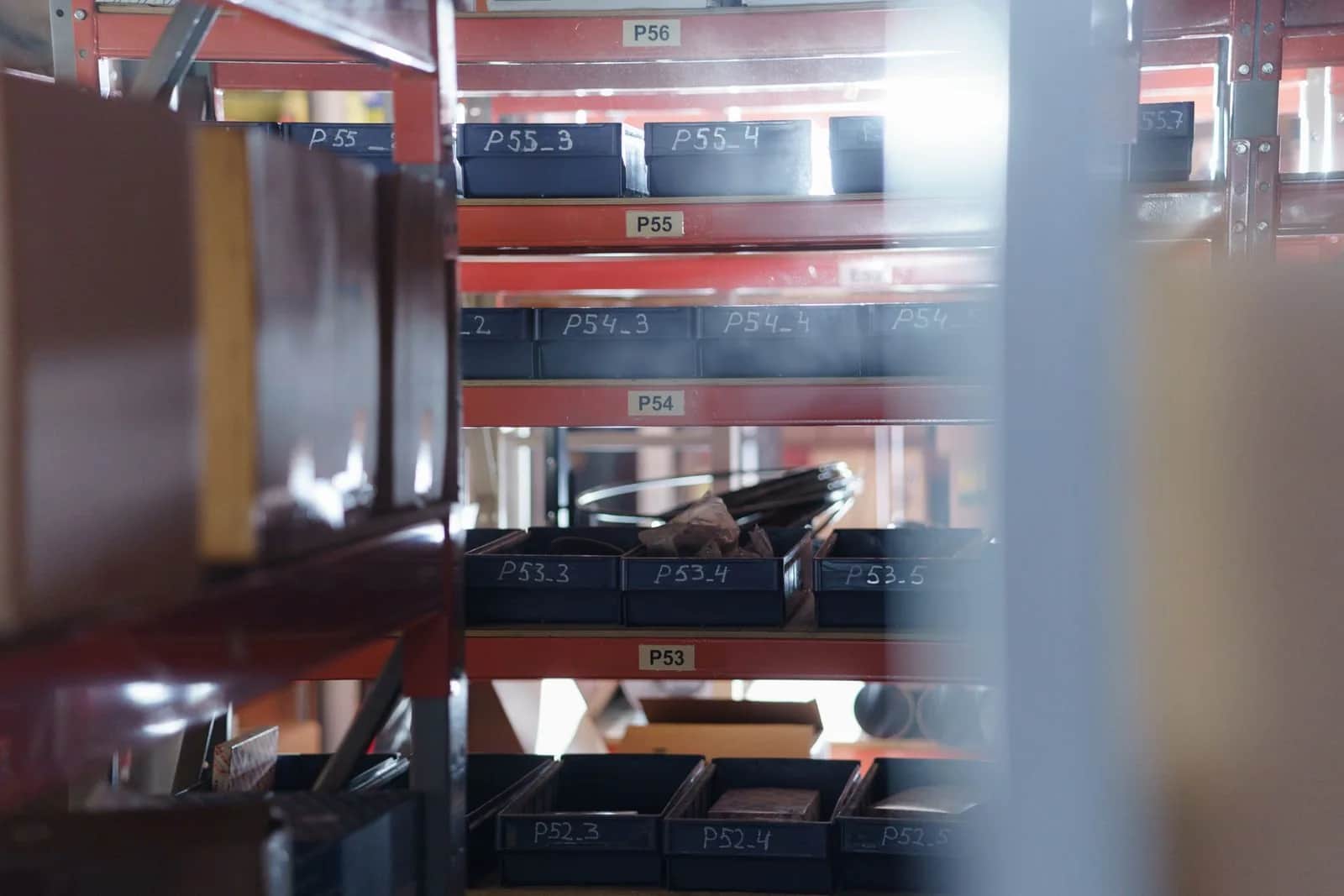
- Put-away. After receiving, the material is scanned and so is the rack location it goes into. This is the step that turns the warehouse from the storekeeper's memory into a map any employee can read. Without it, finding an item remains a matter of asking one particular person.
- Issuing. Nothing leaves without being scanned against a production order, a sales order or a cost centre. This is the most important movement in a factory because it ties consumption to its cause, and it is what makes order costing possible later.
- Transfers between locations. Every move from the main store to a sub-store, a work-in-progress store or a delivery vehicle is scanned out and scanned in. The missing half of this movement is why goods vanish in the middle.
- Cycle counting. Count a small set of items every week by scanning, instead of one annual count that shuts the warehouse for days. Cycle counting corrects the variance while it is still small and surfaces its cause while it is still fresh in someone's memory.
Note that scrap, damage and returns are all branches of these five: the same device, the same method, a different reason. The rule is single: no quantity changes on the shelf without a matching transaction in the system.
Coding comes before hardware
The scanning project most likely to fail is the one that starts by buying devices. A device reads a code, so if the code itself is undisciplined you are only accelerating the mess. Before any hardware, settle four things:
- One code per item. An item carrying two codes because two buyers entered it under two names will always have half its balance hidden. Merge duplicates first, then restrict creating a new item to a single owner.
- A standard description. Names are written in a fixed order: material type, then size, then grade, then colour. That fixed order alone prevents half of future duplication, because whoever searches will find the item instead of creating it again.
- Units of measure and their conversions. If you buy by the tonne, issue by the kilo and sell by the carton, the conversion factor has to live in the system and not in an employee's head. Most chronic quantity variances trace back to precisely this.
- Package versus piece. Decide where tracking stops: do you scan the carton or every unit inside it? Piece-level tracking is more precise, slower and more expensive, and it only earns its keep for high-value items or items that need batch traceability. For the rest, the package is enough.
Location coding matters as much as item coding. Every aisle, rack and level carries a scannable label. Without that, the system knows you have a hundred cartons but not where they are.
Barcode, QR or RFID
These three are less alternatives to one another than tools for different situations, and the choice between them is economic rather than technical:
- Linear barcode. The cheapest and simplest, printed on an ordinary label and read by an inexpensive device. It carries little data, needs line of sight and one scan at a time, and suffers from wear and dirt. This is the default for most warehouse items, and there is no reason to go beyond it at the start.
- QR code. Carries more data inside the code itself, such as a batch number and expiry date, reads from any angle, stays readable when part of it is damaged, and can be read by a phone camera without dedicated hardware. Useful when dedicated devices are an obstacle, or when the information has to travel with the product outside the warehouse.
- RFID. Needs no line of sight and reads dozens of tags at once at a gate or on a forklift without stopping. In exchange: a tag per unit, readers, infrastructure, and tuning around interference from metal and liquids. It usually earns its cost in three situations — high-value items, heavy gate traffic you want flowing without a stop, or frequent counting of a large stock. Outside those, it is an advanced decision with no return behind it.
The practical rule: start with barcodes on everything, and promote specific items to QR or RFID once the case proves itself. Not the other way round.
What changes on the warehouse floor
The real difference is not that a sheet of paper became a device. It is that the system now objects before the error happens rather than after:
- The storekeeper scans an item that is not on the purchase order, and receiving is refused — instead of accepted, with the variance surfacing in a stocktake months later.
- A supervisor asks to issue more than is available, and the alert appears at that moment instead of the balance going negative in the system.
- An item is put in the wrong place, and the scan blocks the save because the location does not match the assignment.
- Material leaves without a production order, and the transaction simply does not complete. That one control closes the largest opening we named in part one.
The more important outcome is that you move from a balance known at month end to a balance known now. Once the balance is live, everything that comes after it becomes possible: reorder points, actual production order costing, batch traceability, and linking the invoice to the issue.
Getting the storekeeper to actually use it
Most scanning projects fail behaviourally rather than technically: the device is bought, then work drifts back to paper because the device is slower, more complicated, or punishes whoever uses it honestly. What prevents that is practical:
- Make it faster than paper. If a movement takes six screens and three optional fields, staff will route around it. A floor transaction should end in two scans and a quantity.
- Close the back door. As long as a manual issue remains possible, it will be used at the first moment of pressure. State plainly that a movement without a scan is incomplete, and make the exception pass through a manager's approval rather than a silent workaround.
- Do not hold people to account for a variance they did not create. If the first count turns into a reckoning over old differences, everyone will resist transparency. Start with an opening count treated as a forgiven baseline, then hold people to what follows it.
- Train on the exception, not the ideal case. The short shipment, the item with no label, the damaged label, the return. Those are the moments people go back to paper.
The Origami view
In the industry and warehouses sector we open the scanning file with the item and location master, not with a hardware catalogue. The reason is a pattern we keep seeing: a business buys scanners and the accuracy gap stays exactly where it was, because duplicated items and undefined units of measure simply produce wrong data faster.
The order we recommend: clean the item master and block duplication, then code the locations, then bring the five movements onto scanning one at a time starting with issuing because it is the largest source of variance, then measure inventory accuracy the same way part one described before expanding. Scanning is a tool for locking in operational discipline; where the discipline is absent, no device creates it.
In the next part
With warehouse movement now captured as it happens, we move inside the factory: the production order. How to trace output from raw material to finished goods, what the bill of materials is and why everything rests on it, where work in progress disappears from your accounts, and how to compare an order's actual cost against its planned cost before you price the product.
Sources
- Saudi Standards, Metrology and Quality Organization (SASO) — standards, labelling requirements and product coding.
- Ministry of Industry and Mineral Resources — regulation of the industrial sector and plant efficiency programmes.
- Saudi Authority for Industrial Cities and Technology Zones (MODON) — the operating environment for factories and warehouses.
- Zakat, Tax and Customs Authority — e-invoicing requirements tied to documenting issue and sales movements.
- Saudi Vision 2030 — the national direction on industrial and logistics sector efficiency.
Frequently asked questions
Which warehouse movements actually need to be scanned?+
Five are enough, because these are the ones that change the balance: receiving, put-away to a rack location, issuing against a production or sales order, transfers between locations scanned both out and in, and cycle counting. Scrap, damage and returns are branches recorded the same way for a different reason. The rule is that any change in quantity on the shelf must have a matching transaction in the system.
Should I buy scanners first or clean up my item codes first?+
Coding always comes first. A device reads a code, so if an item is recorded under two codes, or units of measure are undefined, or locations carry no labels, scanning only produces wrong data faster. Merge duplicate items, standardise the description format, define conversion factors between units, label the locations, and then buy hardware.
When is RFID worth its cost compared with barcodes?+
A linear barcode is the default for most items because it is the cheapest and simplest. RFID needs no line of sight and reads dozens of tags at once, which usually earns its cost in three situations: high-value items, heavy gate traffic you want flowing without a stop, or frequent counting of a large stock. Outside those, the cost sits above the return.
How do I stop staff drifting back to paper records?+
Make the device faster than paper so a floor transaction ends in two scans and a quantity, and close the manual issue route so a movement without a scan is incomplete and exceptions need a manager's approval. Most importantly, do not let the first count turn into a reckoning over old variances; treat it as a forgiven baseline and hold people to what comes after, or everyone will resist transparency.
Follow Origami in Google
Pin Origami as a preferred source and our articles will surface first for you in Google Search and Top Stories.
Related articles
- Business SystemsFleet Management and Vehicle Tracking Systems: A Practical Guide for Saudi BusinessesHow to turn your vehicles from an unexplained cost line into a measured operation: tracking, Wasl compliance, preventive maintenance, and integration with your systems.
- Business SystemsHR and Payroll Systems for Saudi Businesses: What You Actually Need and How to ChooseA practical guide to choosing an HR and payroll system in Saudi Arabia: what it must cover, how it connects to Mudad, GOSI and Qiwa, and when custom beats off-the-shelf.
- Business SystemsThe Rodri Transfer Lesson: Why Performance Does Not Move With the Asset You BuyBarcelona are closing in on Rodri, and the question occupying analysts is the same one facing every manager who buys the best system on the market or hires the strongest candidate: does performance travel with the asset, or is it a property of the system that produced it? A technical and managerial read of a deal that is not done yet.
- Business SystemsField Service Management Software: Run Technicians and Work Orders From One PlaceA practical guide for Saudi maintenance and service companies: what field service management software is, when you need it, its core modules, and how to connect it to e-invoicing.
- Business SystemsKnowledge Management: Why It's Your Company's Most Valuable Asset — and How to Stop It LeakingKnowledge is your company's most valuable asset, yet the only one that walks out the door every evening. Knowledge management keeps your company's expertise available to your team instead of trapped in people's heads — and with AI it's more powerful than ever. A practical guide for business owners.
- Business SystemsCRM Systems for Saudi Businesses: A Guide to Choosing the Right Customer PlatformA practical guide for Saudi business owners: what a CRM is, the signs you truly need one, how it differs from ERP, and how to choose the right system without overpaying.
Have a project in mind?
We build custom systems, apps and websites for your business. Tell us your idea and we will give you a straight answer on it.
