Saudi NCA's Tahqaq Service Now Scans Files and QR Codes Before Your Staff Open Them

How Do You Check That a File or QR Code Is Safe Before You Open It?
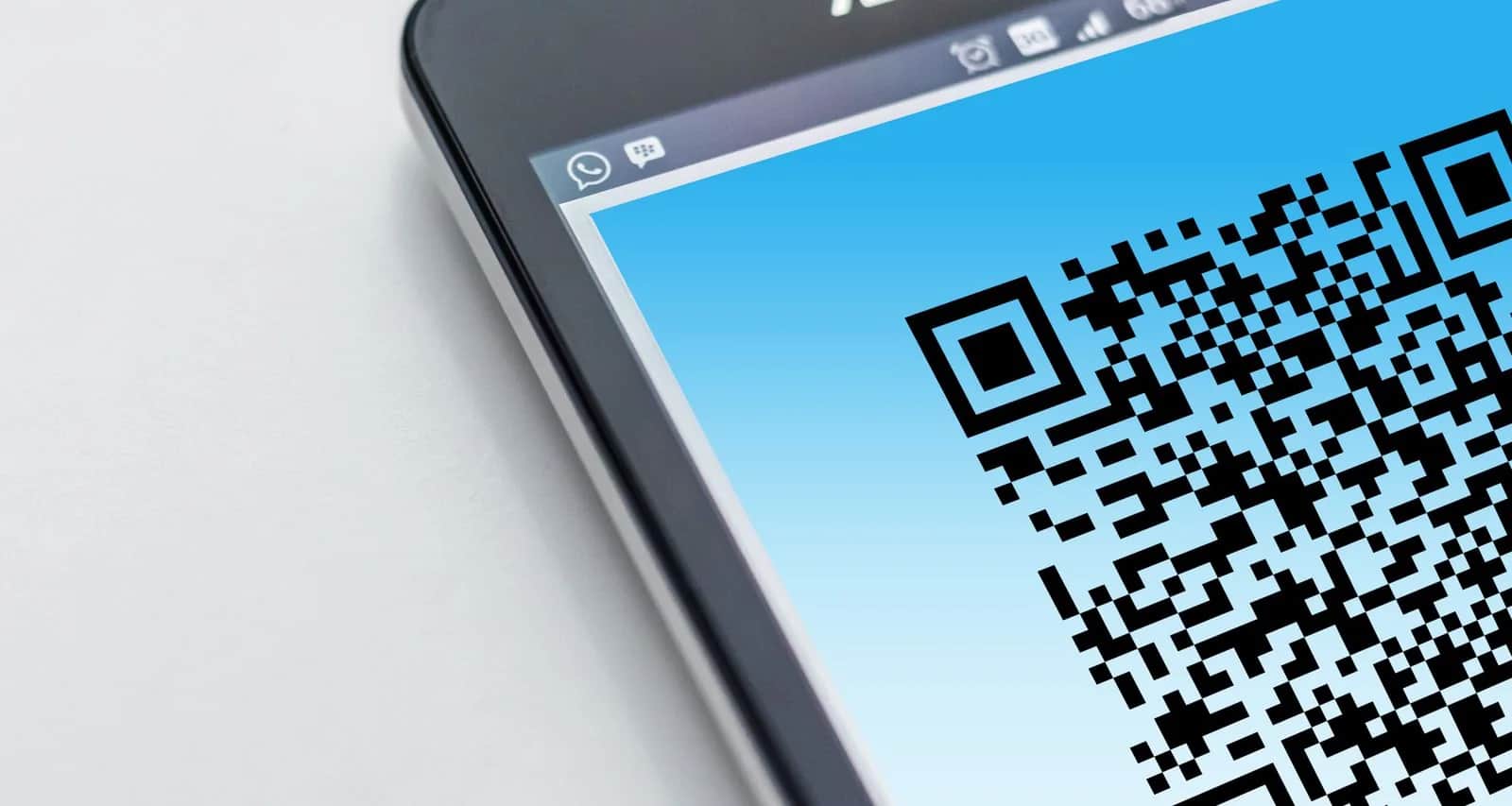
Any employee in your company can now scan a file or a QR code before opening it, using the Tahqaq service from Saudi Arabia's National Cybersecurity Authority (NCA). The service started on December 29, 2025 with link scanning only, and in October 2026 the NCA added file scanning and QR code scanning. Links and QR codes go to the WhatsApp number +966118136644, files are uploaded to the Haseen portal, and the result is instant, around the clock. What you need is one rule for your team: nobody opens an attachment they did not expect, or scans an unfamiliar code, before checking it. But remember that the result is an estimate of risk, not a guarantee, and file scanning is still in a trial phase.
What Changed in the Service?
The NCA launched the service on December 29, 2025, according to the Saudi Press Agency, to scan circulated links before people visit them. On October 7, 2026, coinciding with Global Cybersecurity Awareness Month, the NCA announced in its official news release two new features: file scanning and scanning of quick response codes, known as QR codes. The service is part of Haseen, the National Portal for Cybersecurity Services, and the NCA runs it in partnership with its technical arm, the Saudi Information Technology Company (SITE).
The detail many people miss on the official service page is that the two channels do not scan the same things:
| Channel | What it scans | How to reach it |
|---|---|---|
| Links and QR codes | +966118136644 | |
| Haseen portal | Links, files and QR codes | tahqaq.haseen.gov.sa |
In other words, file scanning is available on the Haseen portal only, according to the NCA's page. The Tahqaq for Files service page says the check is automated by the service engine, results are instant, and the service runs 24 hours a day, 7 days a week, in Arabic and English, with no documents required. The same page labels the file service a "beta".
Why Does This Matter for Your Company?
A breach in a company can start with one employee's click rather than a sophisticated attack. A PDF invoice from a supplier you do not know, a CV that reaches HR as a zipped file, a shipping notice asking you to open an attachment, or a sticker with a QR code that someone placed over the original payment sticker in your branch. The NCA says in its announcement that the new features respond to the growing use of files and QR codes in everyday activities.
A QR code is more dangerous than an ordinary link in one respect: a written link can be read, and you may notice that the site name looks wrong, but with a code you do not know where it leads until you scan it. Checking it before you open its destination closes a gap the eye cannot.
How Your Team Uses It: Five Steps
- Save the right number: copy the WhatsApp number +966118136644 from the NCA's own page and save it on employees' phones under a clear name. Do not rely on a number that arrives in a message, because fraudsters impersonate government services.
- Links and codes go to WhatsApp first: before tapping a link in a message, or scanning a code on a sticker, invoice or post, the employee sends it to the service number and waits for the result.
- Files go to the Haseen portal: an attachment the employee did not expect, especially zipped files, executable files and documents that ask you to "enable content", is uploaded to the portal before it is opened.
- Read the result as an estimate, not a verdict: the NCA says file scanning assesses the "likelihood" of a threat. If the result is suspicious, the employee deletes the file and tells whoever is responsible. If it comes back clean but the message itself is odd, such as an urgent payment request or a request for a password, they should call the sender on a number they already know before doing anything.
- Share your feedback: the service lets you give feedback on the analysis result, so report a result you think is wrong, and log the case internally so the rest of the team knows what reached you.
The Limits of the Service: What It Does Not Cover
The service is useful, but it is not a protection system for your company. The NCA lists it under individual services, aimed at citizens and residents of the Kingdom. Keep three points in mind:
- It does not replace basic protection: security software on every device, system updates, email filtering, backups and two-step verification all remain necessary. You will find these basics in our cybersecurity guide for small and medium businesses.
- Scan what is suspicious, not your own documents: the service is for checking a strange file you received, not for uploading your contracts, payroll sheets or customer data. Do not upload a file containing sensitive data to any external scanning tool without need.
- Entities have a different service: under its entity services, the NCA lists a service called Files Examination Services, which examines the file in an isolated environment including Windows 7 and Windows 10, and issues a full technical report within 5 minutes, with confidentiality of the file and report assured. Check on the Haseen portal whether your organization is eligible.
If Your Website or App Accepts Files From Customers
The service protects the employee who opens a file by hand. But if your website, app or recruitment system accepts files from customers and applicants, such as CVs, ID photos, invoices and complaint attachments, nobody is going to check hundreds of files manually. Here the scanning has to be part of the system itself: a defined list of allowed file types, a maximum size, an automatic scan before saving, and storage for uploaded files kept away from the main application server.
This is what we review at Origami when we build a new system or develop an existing one. If you would like us to review how your system accepts files today, get in touch.
Sources
- National Cybersecurity Authority: Tahqaq service enables users to verify the reliability of files and QR codes, October 7, 2026
- National Cybersecurity Authority: Tahqaq service, channels and what each one scans (Arabic)
- National Cybersecurity Authority: Tahqaq service (English)
- National Cybersecurity Authority: Tahqaq for Files (beta)
- National Cybersecurity Authority: Files Examination Services for entities
- National Cybersecurity Authority: NCA launches Tahqaq service
- Saudi Press Agency: NCA launches service to verify suspicious links, December 29, 2025
- Al-Jazirah: Tahqaq adds file and QR code scanning, October 7, 2026 (Arabic)
- Okaz: Tahqaq service enables scanning of files and QR codes (Arabic)
Frequently asked questions
What is the Tahqaq service and how do I use it?+
A service from Saudi Arabia's National Cybersecurity Authority, part of the Haseen portal, that scans links, files and QR codes before you open them. Send a link or QR code to the WhatsApp number +966118136644, or upload a file on the Haseen portal at tahqaq.haseen.gov.sa. The result is instant.
Can I scan a file through Tahqaq on WhatsApp?+
According to the NCA's official page, the WhatsApp channel handles links and QR codes, while file scanning is available on the Haseen portal. The file service is still in beta.
If the service says a file is clean, can I open it without worry?+
The result is an estimate of the likelihood of a threat, not a guarantee. If the message itself is odd, such as an urgent payment request or a request for a password, confirm with the sender by calling a number you already know before doing anything.
Does Tahqaq replace security software on company devices?+
No. It is an individual service that helps an employee before opening a file or link, while security software, updates, email filtering and backups remain necessary. If your system accepts files from customers, the system itself should scan them automatically.
Follow Origami in Google
Pin Origami as a preferred source and our articles will surface first for you in Google Search and Top Stories.
Related articles
- CybersecurityWindows 10 End of Support Was Delayed for Home PCs Only. Your Company's Deadline Is October 13Windows 10 end of support: home PCs get updates until October 12, 2027, but company PCs need a paid year two from October 13, at $122 per device.
- CybersecurityASOS Hacked: Attackers Sent Their Threat Through the Store's Own AppASOS hacked: what the 'ASOS HACKED' app notification was, which customer data may have been accessed, what to do now, and how to protect your own store.
- CybersecurityOffice 2021 and Windows Server 2012 R2 Get Their Last Security Patch on October 13. After That, NothingMicrosoft ends support for Office 2021, Windows Server 2012 R2 and Windows 11 24H2 on October 13, 2026. How to find them in your company and act before the deadline.
- CybersecurityApple Tightens Mac Full Disk Access. Which AI Agents Already Have It?Apple will require very explicit consent before a Mac app gets Full Disk Access, citing AI agents. How to check which apps on your company Macs already have it.
- CybersecurityPlant Controllers Left Open on the Internet: Attackers Broke Water Systems by Editing One Logic FileSince July 2026 attackers have exploited internet-exposed PLCs at water utilities in at least 12 US states, disabling alarms. What that means for your plant and Saudi OTCC controls.
- CybersecurityPatching Magento Alone Won't Save Your Store — Attackers Were In Three Days EarlierCVE-2026-75650 in Magento and Adobe Commerce scores a perfect 10 and was exploited three days before Adobe's patch. What is affected, how to check your store, and why updating is not enough.
Have a project in mind?
We build custom systems, apps and websites for your business. Tell us your idea and we will give you a straight answer on it.
