Office 2021 and Windows Server 2012 R2 Get Their Last Security Patch on October 13. After That, Nothing
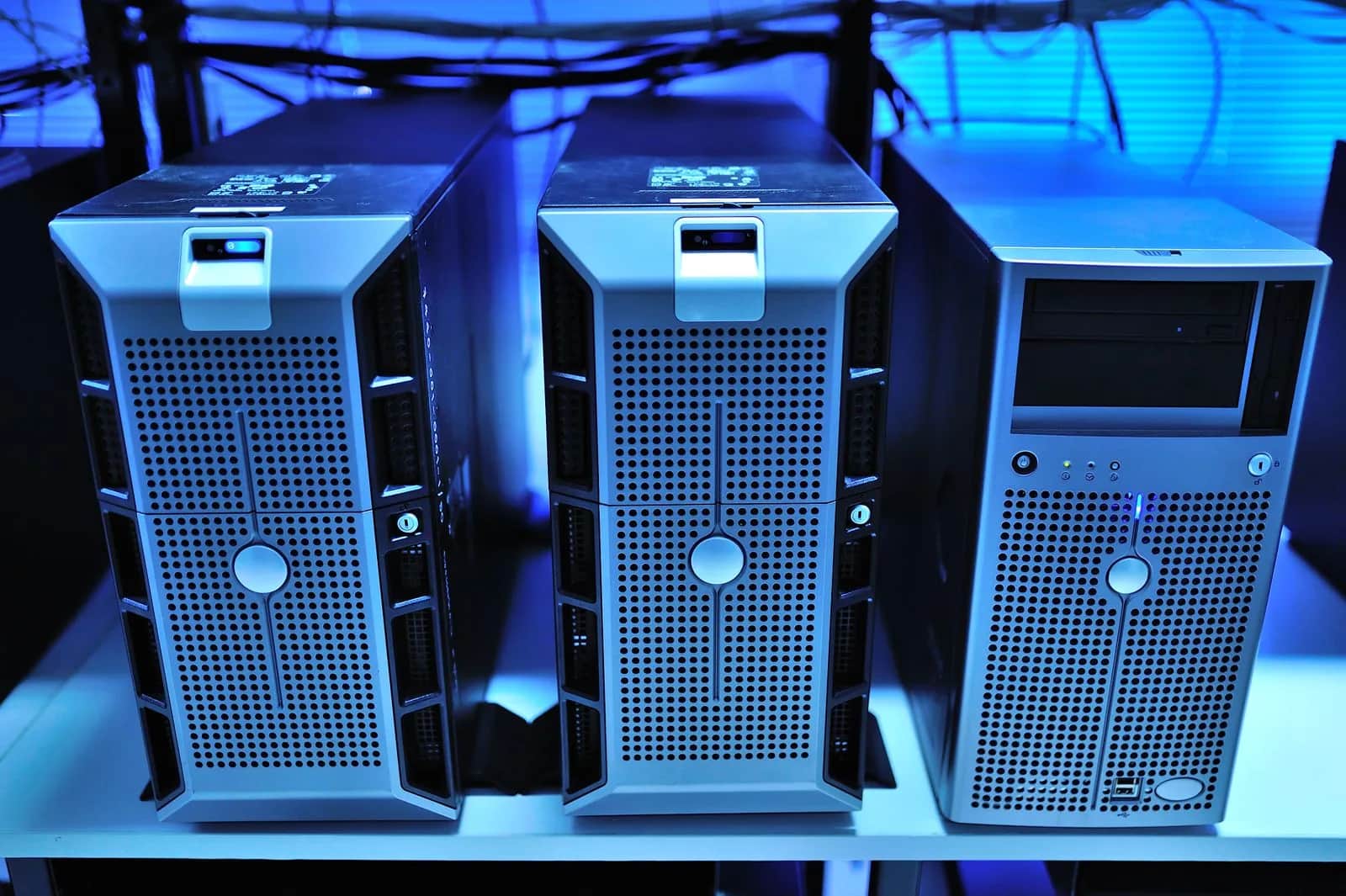

On October 13, 2026, Security Updates Stop for Office 2021 and Windows Server 2012 R2
The short answer: on Tuesday, October 13, 2026, Microsoft ends support for Office 2021 and all its apps, for Office LTSC 2021, for the final year of paid security updates for Windows Server 2012 and Windows Server 2012 R2, and for version 24H2 of Windows 11 Home and Pro. Microsoft's lifecycle page says that after end of support there are no new security updates, no non-security updates, and no free or paid assisted support options. The software keeps running, but any vulnerability discovered after that day stays open for good.
That leaves nine days. It is enough time to take inventory and make a clear decision for every machine, even if it is not enough time to replace everything.
What exactly loses support
- Office 2021: the one-time purchase version, together with the 2021 releases of Word, Excel, Outlook, PowerPoint, Access, OneNote, Project, Visio and Publisher.
- Office LTSC 2021: the volume-licensed edition for organisations, including the Mac version, along with Skype for Business LTSC 2021.
- Windows Server 2012 and Windows Server 2012 R2: their extended support already ended in October 2023. Microsoft then sold three years of Extended Security Updates (ESU), and the third and final year ends on October 13, 2026. There is no fourth year on Microsoft's schedule.
- Windows 11 Home and Pro, version 24H2: stops receiving updates. Version 25H2 is supported until October 13, 2027, and version 26H2 started on September 29, 2026 and is supported until October 10, 2028.
- Windows 10 2016 LTSB: a long-term edition you sometimes find on point-of-sale and industrial devices. Its support ends the same day.
On the same day, Windows Server 2022 moves from mainstream to extended support. That does not stop its security updates, which continue at no cost, but it means Microsoft will not add new features to it.
What end of support means in practice
Nothing breaks on the morning of October 14. Your staff will open Excel as usual and the server will run as before. That is the danger: there is no warning sign. The problem appears when a new flaw is found in Outlook or Word. Microsoft fixes the supported versions and leaves yours as it is, while the details of the flaw become public and your machine stays unpatched.
Outlook, Word and Excel in particular are the door most attacks on businesses walk through: an attachment that looks like a supplier invoice, or an Excel file from a customer. The old server usually holds something more valuable: the accounting database, the shared folders, or an internal system written ten years ago.
Where these versions hide in your company
Businesses that bought Office 2021 with a perpetual licence years ago often forgot it has an end date. Look in these places first:
- The accountant's and management PCs: an Office copy bought with the computer and running ever since.
- The server in the network room: a machine on Windows Server 2012 R2 because the accounting software or old ERP will not run on anything else.
- Branch computers: machines a vendor installed years ago that nobody updates.
- Access files and Excel macros: small systems a former employee built that became part of daily work.
The nine-day plan
Days one and two: inventory. On every Windows PC, press the Windows key with R and type winver to see the version number. In any Office app, open File and then Account to see the product name. On servers, record the operating system and what runs on it. Put it all in one sheet.
Day three: priorities. Start with the machines that receive email and connect to the internet, then the servers that hold financial or customer data.
The remaining days: a decision for each machine.
- Office 2021: move users to a Microsoft 365 subscription, which stays continuously updated, or to Office 2024 if you prefer a one-time purchase.
- Windows 11 version 24H2: update to 25H2 or 26H2 from Windows Settings. The update is usually free and does not usually require a new computer.
- Windows Server 2012 R2: move the services to a supported release such as Windows Server 2025, to a cloud service, or rebuild the internal system to run on a modern platform.
- Whatever cannot move before the deadline: isolate it. Disconnect it from the internet, limit access to the people who truly need it, keep a backup that is separate from the network, and set a written date to retire it.
The real problem: software built on top of the old system
Replacing Office is easy. The hard part is the server you cannot upgrade because an important system runs on it and nobody knows how it was built. This is where end of support stops being a licensing question and becomes a software question. The lasting fix is to move that system to a modern, supported platform so the same problem does not return with every future deadline. Another one is close: .NET 8 support ends on November 10, 2026, which we covered in a separate article.
At Origami we build internal systems and move legacy ones to modern web platforms. If you have a system stuck on Windows Server 2012 R2, or an Access database that has outgrown itself, start with the inventory, and then we can build a clear migration plan with you.
Sources
Frequently asked questions
When does Office 2021 support end?+
On October 13, 2026. After that date Microsoft will release no security or non-security updates for Office 2021 and its apps such as Word, Excel and Outlook, and will offer no free or paid support for it.
Will Office 2021 stop working after end of support?+
No, it keeps working as usual. But any vulnerability found after October 13, 2026 will not be fixed in it, which is a real risk because email and attachments are among the most common ways attacks get in.
Can I buy another year of updates for Windows Server 2012 R2?+
No. The third year of Extended Security Updates is the last one on Microsoft's schedule and it ends on October 13, 2026. The answer is to move services to a supported release such as Windows Server 2025 or to the cloud, and to isolate anything that cannot move right away.
How do I check the Windows and Office versions on my company's computers?+
In Windows, press the Windows key with R and type winver to see the version number; if it says 24H2, update to 25H2 or 26H2. In any Office app, open File and then Account to see the product name.
Follow Origami in Google
Pin Origami as a preferred source and our articles will surface first for you in Google Search and Top Stories.
Related articles
- CybersecurityApple Tightens Mac Full Disk Access. Which AI Agents Already Have It?Apple will require very explicit consent before a Mac app gets Full Disk Access, citing AI agents. How to check which apps on your company Macs already have it.
- CybersecurityPlant Controllers Left Open on the Internet: Attackers Broke Water Systems by Editing One Logic FileSince July 2026 attackers have exploited internet-exposed PLCs at water utilities in at least 12 US states, disabling alarms. What that means for your plant and Saudi OTCC controls.
- CybersecurityPatching Magento Alone Won't Save Your Store — Attackers Were In Three Days EarlierCVE-2026-75650 in Magento and Adobe Commerce scores a perfect 10 and was exploited three days before Adobe's patch. What is affected, how to check your store, and why updating is not enough.
- CybersecurityBlack Hat 2026 Enterprise Java Flaws: Why Your Internal System Is Not SafeBlack Hat 2026 research exposed 12 enterprise Java flaws, including pre-auth remote code execution in Bonita BPM and Apache OFBiz. What it means for your business systems.
- CybersecurityAI Just Found Cryptography Weaknesses Experts Missed: What It Means for Your BusinessAnthropic's AI found new weaknesses in HAWK post-quantum cryptography and AES. Nothing you use today is broken — here's what it means for your business.
- CybersecurityCisco Antares: Open-Weight AI That Scans Your Code for Security Flaws, LocallyCisco released Antares, an open-weight model family that locates security vulnerabilities in code, runs on your own hardware, and costs 172x less than frontier models.
Have a project in mind?
We build custom systems, apps and websites for your business. Tell us your idea and we will give you a straight answer on it.
