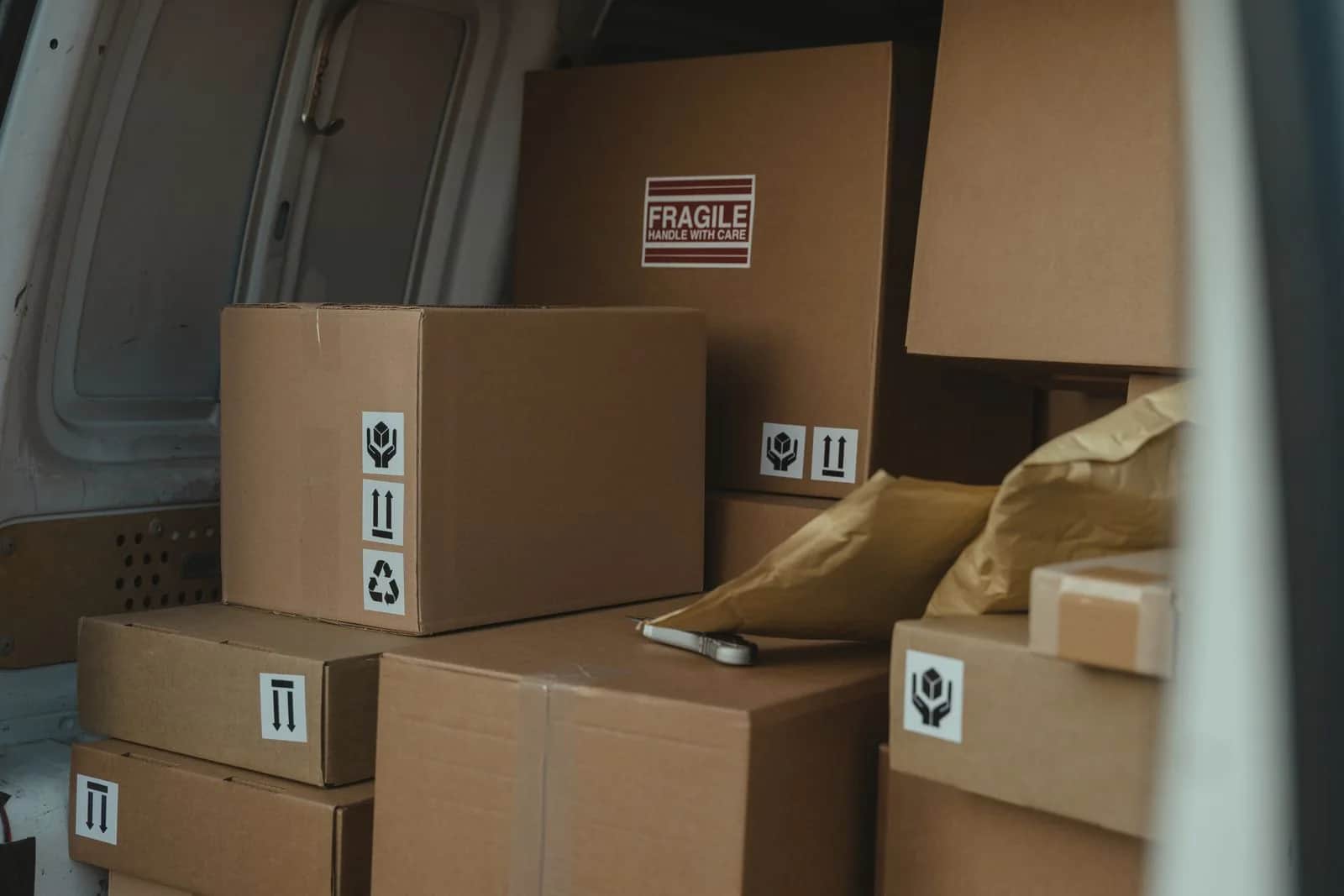
Digitizing E-commerce Operations · Part 3 of 7
Learning series
Digitizing E-commerce Operations: From Order to Delivery- 1Online Store Operations: Where Orders Stall After Checkout
- 2Online Store Inventory: One Stock Number Everywhere
- 3Order Fulfilment and Shipping: From Payment to the Door (you are here)
- 4E-commerce Payment Reconciliation: Did Every Riyal Arrive?
- 5Coming soon
- 6Coming soon
- 7Coming soon
Parts still to come: 3
Order fulfilment and shipping in an online store come down to 5 steps: the pick list, the packing check, the shipping label, the handover to the carrier, and the tracking number that reaches the customer. Delays usually sit in the waiting between steps, when someone copies order details into the carrier's dashboard and the tracking number back. When the store, the warehouse and the carrier are connected, the label is created and the tracking number arrives without retyping. Start this week by timing each step for one day's orders. This is part 3 of a 7-part series.
In part two we made the store's stock one number across the store, the shop and the warehouse. Now the order has to reach the door as paid for: right item, right quantity, right address.
5 steps between payment and the customer's door
Whatever the size of your store, every order goes through the same steps, whether one person packs it or a whole warehouse team does:
- The pick list. A sheet or screen that tells the picker what to take and from which shelf. If the list is written by hand from the store dashboard, every order is read twice and written once, and every copy is a chance to get the size, colour or quantity wrong.
- The packing check. Before the box is closed, the packer matches what is in their hands with the order. The simplest way to do it is to scan the item's barcode instead of reading by eye, as we explained in Barcodes and Scanning: Capturing Every Stock Movement as It Happens.
- The shipping label. The sticker that carries the customer's name, address, mobile number and shipment number. When it is created by hand, someone copies these details from the store into the carrier's dashboard, and one wrong digit in the mobile number or district means a parcel that never arrives.
- The handover to the carrier. The moment the box leaves your hands. If it is not recorded, you cannot tell later whether the order is still with you or with the courier.
- The tracking number to the customer. The number that answers the customer's first question: where is my order? If it arrives late or not at all, your customer service team becomes the tracking system.
Where orders actually wait
The steps themselves are usually short. What stretches the journey is the distance between them:
- Batches instead of flow. Orders are collected and printed once or twice a day, so an order paid after printing waits for the next batch.
- Two screens and a person in between. The order details sit in the store, the label in the carrier's dashboard, and an employee copies from one to the other.
- A status that never updates. The order was packed and shipped, but in the store it still says processing, so the customer asks and the team goes looking.
- Exceptions with no owner. A missing address, a missing item, or a cash on delivery order that needs confirming. The order stops because nobody knows it is theirs to handle.
What changes when the systems are connected
Connected here means the store, the warehouse and the carrier exchange data on their own through an API, an interface one system uses to talk to another, and through a webhook, an instant notice a system sends the moment something happens, such as a new payment or the courier collecting the parcel. Then:
- A paid order drops straight onto the pick list, sorted by where the items sit in the warehouse.
- The shipping label is created from the order's own data, so nobody types the address or mobile number a second time.
- The tracking number comes back to the store on its own and reaches the customer in a message nobody has to send by hand.
- The order status changes with every step: ready, handed to the carrier, on the way, delivered.
- The reserved stock turns into a final deduction at shipping, so the stock number we built in part two stays right.
The technical side of this integration, from creating the shipment to receiving tracking updates, is covered in Integrating Shipping and Logistics Providers in KSA (API), and we will not compare carriers here. Because the label carries the customer's name, address and mobile number, it is personal data covered by the Personal Data Protection Law, so limit who can see it to the people who need it.
Exercise: time every step for one day
You do not need a new system to know where your orders stop. You need a sheet and one day:
- Pick an ordinary day and take all of its paid orders, not a sale day.
- Record 6 times for each order: the moment of payment, the start of picking, the box being closed, the label being created, the handover to the courier, and the tracking number reaching the customer.
- Work out the gap between each pair of times. The longest gap is where the order waits, not where the work is.
- Write down the cause of every long wait as the team sees it: a print batch, manual copying, a missing item, an unclear address, or a cash on delivery confirmation.
- Count the orders that needed someone to step in outside the normal path, and note who stepped in.
We will not tell you how many minutes is normal, because that depends on your products, your warehouse and your carrier. The number that matters is yours, and then the same number after you close the longest wait.
Your delivery obligations as a store
Delays and orders that never arrive are exactly the situations in which the law sets out the customer's rights. Today these obligations are governed by the E-commerce Law and its Implementing Regulation, published with the store compliance list on the Ministry of Commerce e-commerce page. In its official announcement, the Ministry said the Council of Ministers approved the Consumer Protection Law of 10 chapters and 76 articles, which takes effect 180 days after publication in the Official Gazette and then replaces 3 laws, including the E-commerce Law. Check what your store page promises customers about delivery against these pages, and confirm your obligations with the Ministry of Commerce or a lawyer; this is not legal advice.
The Origami view
When we work on order fulfilment and shipping, we start with the same exercise: where the order waits, and who copies what to where. Then we connect the store to the warehouse and the carrier so the pick list and the label are created from the order data, the tracking number comes back and the status updates on its own, and every exception has an owner and an alert.
The people packing orders today know where boxes get stuck before any report does, so we build on their knowledge, not over it. That is what we offer through our services.
In the next part
Once the order reaches the customer's door, the money question remains: did every riyal arrive? The next part explains how to reconcile store payments with orders, from payment gateway settlements to cash on delivery amounts that come back through the carrier.
Sources
- Ministry of Commerce: Council of Ministers approves the Consumer Protection Law — 10 chapters and 76 articles, in force 180 days after publication, replacing 3 laws.
- Ministry of Commerce: e-commerce page — the E-commerce Law and its Implementing Regulation.
- Ministry of Commerce: online store compliance list
- SDAIA: Personal Data Protection Law — because the shipping label carries the customer's name, address and mobile number.
Frequently asked questions
What are the steps of order fulfilment in an online store?
5 steps: the pick list, a check of the items before packing, creating the shipping label, the handover to the carrier, and sending the tracking number to the customer. Delays usually happen in the waiting between steps, not inside them.
Why is a paid order slow to ship?
Because orders are collected and printed in batches, because order details are copied by hand into the carrier's dashboard, or because an order with a missing address or item stops without anyone knowing it is theirs to handle.
Can the shipping label and tracking number be created automatically?
Yes, when the store is connected to the carrier through an API. The label is created from the order's own data, and the tracking number comes back to the store and reaches the customer in a message with no manual copying.
How do I find where orders are delayed in my store?
Take an ordinary day's orders and record 6 times for each, from payment to the tracking number reaching the customer, then work out the gap between each pair. The longest gap is where orders wait; write down its cause as the team sees it.