In this article

In the first article of the Road to the 2034 World Cup series we mapped the four pillars of readiness. Today we start with the most immediate one: your digital infrastructure. With FIFA awarding the Kingdom the 2034 World Cup — its biggest event ever — millions of visits will pour in over a few short weeks, and your website and app will be the first face your business shows to that crowd. The decisive question is simple: does your system hold when demand suddenly jumps tenfold, or does it slow down and crash at the very moment you have waited years for?
Why do sites fall over under load?
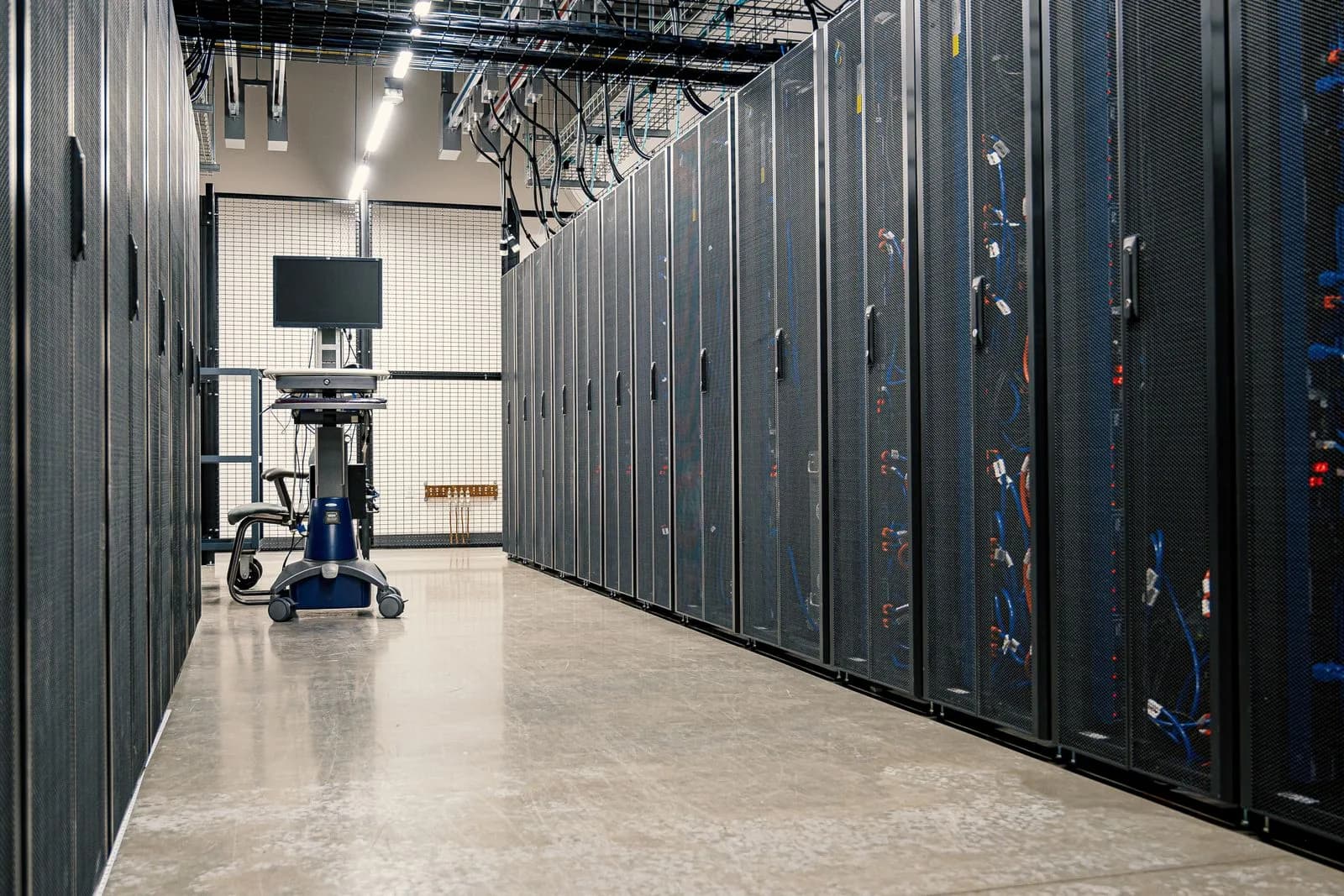
Every website and app runs on servers with a ceiling of processing power, memory, and concurrent connections. On ordinary days you may never approach that ceiling, but a sudden wave of visitors — after an announcement, at the peak of a match day, or from a viral campaign — can multiply demand within minutes. The system starts to slow, then servers begin rejecting the extra requests, and visitors see a sluggish page or an error message. Worse, this happens exactly at the peak, when every visitor is a potential customer, booking, or purchase. A few seconds of delay is enough to lose a large share of visitors: Google's research shows the probability of a visitor leaving rises sharply as load time grows.
Scalability: a system that grows with demand
The answer is not to buy one giant server that sits idle most of the year, but to build a scalable system that grows and shrinks with demand. This is what cloud computing enables through auto-scaling: the infrastructure adds servers automatically when load rises and removes them when it eases, so you pay for what you actually use. Just as important, the application itself must be designed to scale horizontally — running across several parallel servers rather than relying on a single machine — because any system built on one server stays limited no matter how large you make it.
CDNs and caching: speed wherever the visitor is
Visitors in 2034 will come from all over the world, and distance between visitor and server means delay. This is where a content delivery network (CDN) comes in: copies of your site distributed across servers geographically close to each visitor, so content loads from the nearest point instead of crossing half the globe. It is complemented by caching, which keeps a ready-made copy of frequently requested pages and data so the system does not recompute them on every visit. Together they cut load time and ease the pressure on your servers at the same time.
Load testing: find the breaking point before your customer does
Do not discover your system's limits on match day. Load testing simulates thousands of concurrent users on your site in a test environment, revealing where it slows, where it breaks, and how much it can truly handle before it stumbles. You run the test, fix the weak points, and run it again — repeating until you are confident the system withstands several times your expected load. This early testing is the difference between a pleasant surprise and a disastrous one.
High availability and performance monitoring
Readiness is not a one-off event but a permanent state. Continuous monitoring tracks your system's performance in real time and alerts you before a slowdown turns into an outage, while a high-availability architecture ensures that a single server failure does not bring down the whole service, thanks to backups that take over instantly. With a dashboard measuring load time, uptime, and error rate, your readiness shifts from guesswork to numbers you watch and improve.
The Origami view
At Origami we are a technology company, and we build our clients' systems from the ground up to scale — not to barely survive. In practice that means a cloud architecture that auto-scales, smart load balancing, a well-planned CDN and caching layer, load testing before any major launch, and continuous monitoring afterward. The advantage is that this infrastructure does not only serve peak day; it makes your website and app faster and steadier every day — so preparing for 2034 turns into better performance you feel right now.
Conclusion
The 2034 surge is an opportunity, but a harsh test of your digital infrastructure: those whose sites slow or crash at the peak waste the moment, while those who built a scalable system turn the crowd into growth. Start now by assessing your system's capacity, adopting a flexible cloud architecture, and load-testing it before the market does. In the next article of the series we move to the second pillar: the booking, payments, and operations systems that hospitality and retail will need.
Sources
- FIFA — announcement of Saudi Arabia hosting the 2034 World Cup (11 December 2024): https://www.fifa.com
- Google — impact of page load time on visitor behavior (Think with Google): https://www.thinkwithgoogle.com
- Saudi Vision 2030 — digital transformation and sectors: https://www.vision2030.gov.sa
Frequently asked questions
What does it mean for my system to be scalable?
It means it grows and shrinks with demand automatically: the cloud infrastructure adds servers when load rises and removes them when it eases, so the system absorbs visitor spikes without slowing or crashing, and you pay only for what you actually use.
Why might my site crash during a visitor peak?
Because every server has a ceiling of processing power and concurrent connections. When demand exceeds that ceiling the site starts to slow and then rejects the extra requests, so visitors see a sluggish page or an error at the most important moment.
What do a CDN and caching actually do?
A CDN serves your site from a server geographically close to each visitor, cutting load time, while caching keeps a ready copy of frequently requested pages to reduce pressure on your servers. Together they make the site faster and more resilient.
When should I load-test my site?
Before any major event or campaign, not after. Load testing simulates thousands of concurrent users to reveal your system's breaking point early, so you can fix it calmly before your customers discover it at the peak.
Follow Origami in Google
Pin Origami as a preferred source and our articles will surface first for you in Google Search and Top Stories.