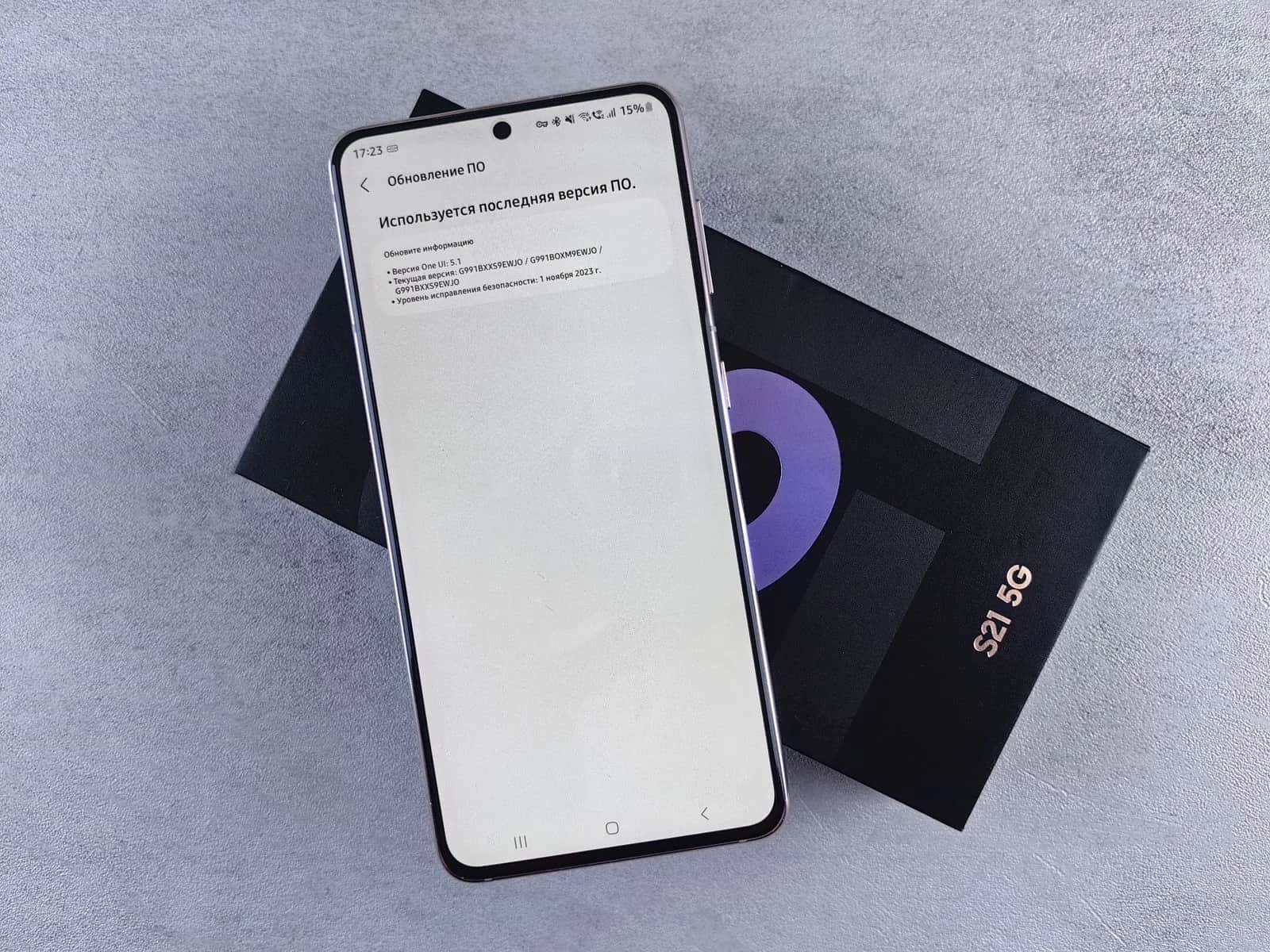
If your staff share client prices or contracts in iMessage group chats, update every iPhone and iPad to iOS 27.2.1 and every Mac to macOS Golden Gate 27.2.1 today. Apple released these updates on November 9, 2026. On iPhone they close 9 security flaws, the most serious a Messages bug that could let a remote attacker join an iMessage group chat and receive its messages, according to Apple's official security content page. The update is free and takes about 15 minutes, and older devices get their own releases: iOS 26.7.3, iOS 18.7.12, macOS Tahoe 26.7.3 and macOS Sequoia 15.8.3.
What did Apple fix in this update?
Apple's release notes only say the update "provides bug fixes and security updates," but the security content page gives the details. What matters most to a business owner:
- Messages (2 flaws): a remote attacker may be able to join an iMessage group chat and receive its messages (CVE-2026-113961), and a user added to a group may be able to read messages sent before they joined (CVE-2026-113960). Apple fixed the second by removing the vulnerable code entirely.
- Bluetooth and pairing (4 flaws): a malicious Bluetooth device nearby may pair with the device without user interaction, and an attacker in Bluetooth range may bypass the limit on pairing code attempts or corrupt process memory.
- AirPlay on the same network: an attacker on the same office or café network may bypass the limit on AirPlay pairing code attempts.
- App Intents: an app may be able to access sensitive user data.
- brotli: processing maliciously crafted input may corrupt memory.
Apple has not said that any of these flaws were exploited. But publishing the details means anyone who wants to exploit them now knows where to look, and 19 days have passed since release, long enough for attackers to start probing devices that were never updated.
Are your company's devices affected?
Yes, if any Apple device in your company has not been updated since November 9. Here are the fixed versions for each group, as listed on Apple's security releases page:
- iPhone 11 and later, and most recent iPads: iOS and iPadOS 27.2.1 (9 flaws).
- Devices that stayed on iOS 26: iOS and iPadOS 26.7.3 (8 flaws).
- iPhone XS, XS Max, XR and iPad 7th generation: iOS 18.7.12 (6 flaws).
- Macs: macOS Golden Gate 27.2.1, macOS Tahoe 26.7.3 or macOS Sequoia 15.8.3 (8 flaws each, including both Messages flaws).
- Apple Watch: watchOS 27.2.1 for Series 9 and later, and watchOS 26.6.1 for Series 6, 7 and 8, SE 2nd generation and Ultra.
How to fix it
- Check the current version: on iPhone or iPad open Settings, then General, then About, and look at "iOS Version". On a Mac open the Apple menu, then "About This Mac".
- Update iPhones and iPads: Settings, then General, then Software Update, then "Update Now", as Apple explains in its guide to updating your iPhone or iPad. Charge the device and connect to Wi-Fi first.
- Update Macs: Apple menu, then System Settings, then General, then Software Update, per Apple's macOS update guide.
- Don't forget older devices: an iPhone XS or XR at the front desk or in the warehouse needs iOS 18.7.12, not 27.2.1.
- If company devices are managed with MDM: we suggest your IT administrator set 27.2.1 as the minimum version and enforce the update within 48 hours.
- Until every device is updated: we suggest turning off Bluetooth in public places, not discussing sensitive information in large iMessage groups, and reviewing group members to remove any unknown number.
Apple has not asked users to change passwords after updating; the update on its own closes these flaws.
Why this matters to a business owner
Many small companies in Saudi Arabia run sales and pricing through messaging groups on their phones, and sometimes a former employee or a number nobody recognizes is still in the group. A flaw that lets a stranger join a group and receive its messages means a price quote, a bank account number or deal details can reach the wrong person. The Bluetooth flaws mean an attacker only needs to be near you, at an airport, an exhibition or a café.
The Origami view
Security updates for phones are the cheapest protection your company has: they are free and take no more than 15 minutes. The problem is usually not the update itself but the lack of someone who checks that every device was actually updated. Give it one owner and a list of company devices, and review it after every security release from Apple, Google or Microsoft. If you need help organizing your company's devices or securing your systems, contact us.
Sources
Frequently asked questions
Is the iOS 27.2.1 update necessary, or can it wait?
It is necessary. It closes 9 security flaws on iPhone, including one that could let a remote attacker join an iMessage group and receive its messages. Update today.
My iPhone XS or XR does not show iOS 27.2.1. Is it exposed?
Not if it is updated to iOS 18.7.12, the release Apple shipped on November 9, 2026 for these devices, which closes 6 flaws.
Do Macs need an update too?
Yes. The fixed versions are macOS Golden Gate 27.2.1, macOS Tahoe 26.7.3 and macOS Sequoia 15.8.3, each closing 8 flaws including both Messages flaws.
Should we change passwords after updating?
Apple has not asked for that. The update alone closes the flaws, but review the members of your work iMessage groups and remove any unknown number.